
To update your billing information, first navigate to the Settings page. From there, select the Billing tab and click on View Billing. Only billing owners of the account can make these changes.
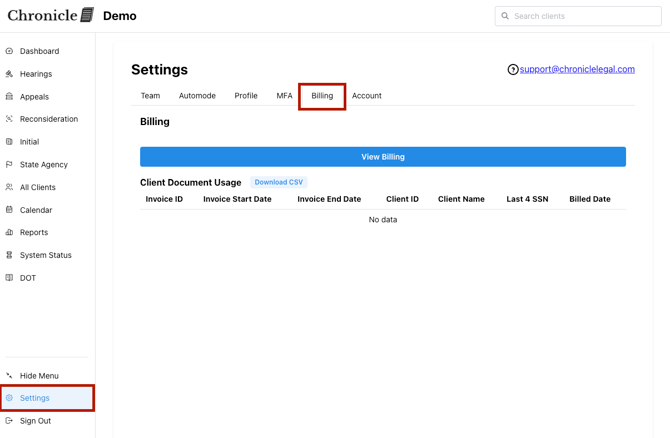
Billing is handled via Stripe. When you click to update, you'll be redirected to the Stripe payment portal, where you can view past invoices and update your payment methods. Accepted payment methods include ACH transfers and credit cards.